Nail tech booking app

A Free Booking App for Nail Techs

Let clients book infills, BIAB, gel and acrylic sets online, with nail art as add-ons and a deposit on longer appointments. Free for solo nail techs — no card, no commission.

Free forever for 1-2 staff and up to 5 services. Flat £10/month for unlimited staff and services. No marketplace commission.

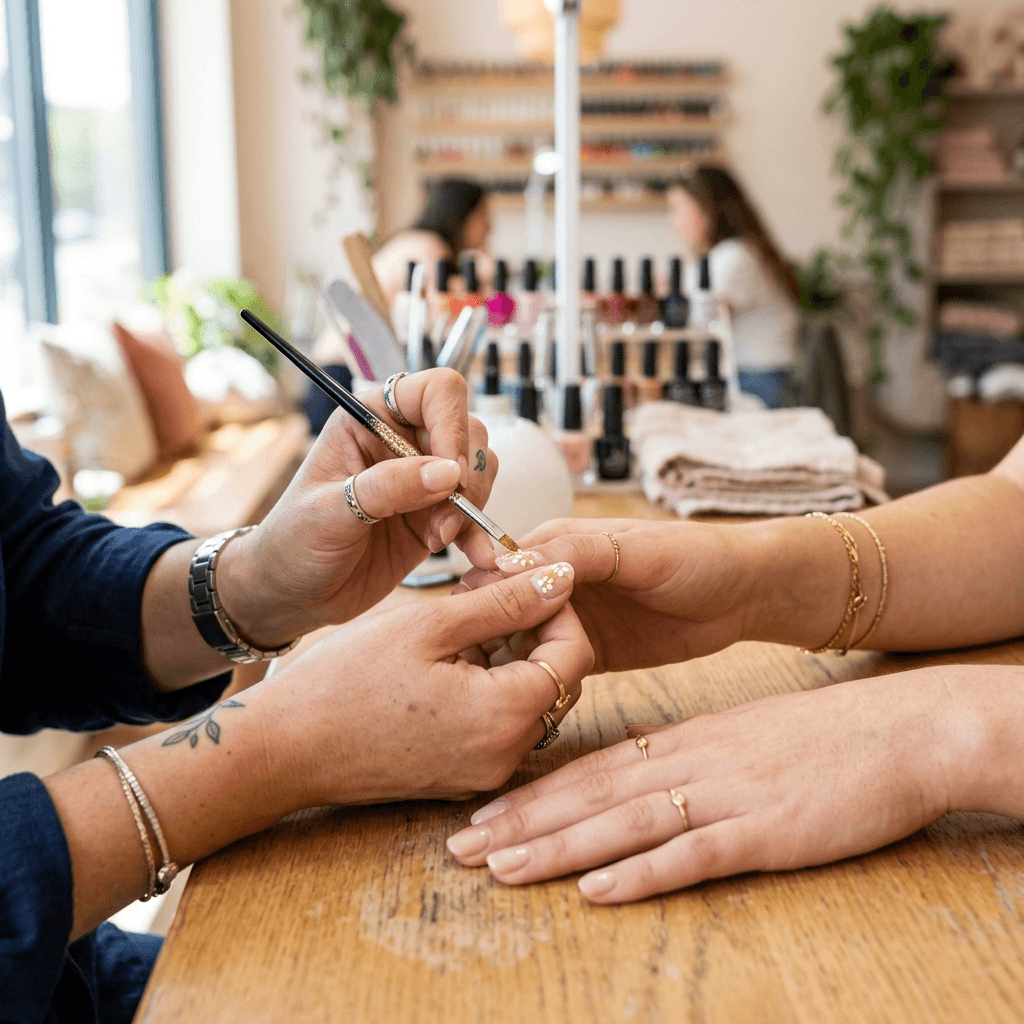
A nail technician painting detailed nail art for a client
The diary

Your whole day on one screen

The diary you run the business from, with everything about each appointment on it. These are real screens from Slotivo’s demo businesses.

Slotivo diary in Week view for one person, showing a week of appointments with payment and questionnaire status

Slotivo diary in Week view for one person, showing a week of appointments with payment and questionnaire status
  • Your whole week at a glance, with your working hours marked.
  • Each appointment shows the client, the treatment and whether they have paid.
  • Tap a free slot to add a phone or walk-in booking.

Nail appointments are not all the same length

A gel polish takes 45 minutes, a full acrylic set with art can take two and a half hours. Your booking app needs to know the difference, charge the right price and stop a long set being squeezed into a short gap.

01The problem

Art changes the time and price

Chrome, French tips or hand-painted designs add time. Quoting them in DMs means the diary is wrong before the client arrives.

02The problem

Long sets get no-showed

An empty two-hour slot on a Saturday is the most expensive no-show you can have.

03The problem

Regulars drift between infills

Clients who should be back in three weeks book late, then need a soak-off and rebuild instead.

Protect long appointments

A missed set is a lost afternoon. Protect it.

Nail appointments are long and hard to refill at short notice. These keep the diary full and fair. Features marked “Paid plans” need Paid or Paid Plus. The rest work on every plan, Free included.

No-show protectionPaid plans

No-show protection for long sets

Clients save a card when they book a BIAB or acrylic set and pay nothing then. After a no-show or late cancellation you choose whether to charge your fee. It is never charged automatically.

See how it works
Buffer time

Time to sanitise between clients

Add buffer time before or after a service. The calendar shows it, and the booking page won’t sell it.

Service menu

“From” prices for nail art

Show “From” prices where art or length adds cost, and group the menu into gels, BIAB, extensions and pedicures.

Discount codesPaid plans

Offers that bring clients back

First-visit codes, infill offers and quiet-day deals, limited to the services and dates you choose, or once per client.

Self-service rescheduling

Clients move appointments themselves

Reminder emails include a reschedule link that only shows genuinely free times, so a clash doesn’t become a gap.

Pay by QR codePaid plans

Pay at the desk without a card reader

When the set’s finished, clients pay the balance from their phone. You show a QR code and they pay what’s left on their own phone, by Apple Pay, Google Pay or card. No card reader, and the booking marks itself paid.

What you get

Built around how nail appointments really work

Set each service up once and the booking page handles the timing, price and deposit every time.

Price and duration per service

Gel polish, BIAB overlay, infill and full set each get their own time and price. Show “from” prices for work that depends on the design.

Nail art and removal as add-ons

Clients add chrome, French, gems or a soak-off when they book, and the extra time and cost are added automatically.

Deposits on longer sets

Ask for a fixed or percentage deposit on full sets and extensions, paid by card through Stripe when the client books.

Automatic reminders

Clients get a confirmation and a reminder email the day before, so fewer forget their infill.

Health and allergy questions

Attach a consultation form to ask about allergies, skin conditions or previous reactions before the first appointment.

Clean-down time between clients

Add buffer time after each service for sanitising your station, so back-to-back bookings never run into each other.

Set up your nail menu in three steps

1

Add your services

Gel, BIAB, acrylic, infills and removals, each with its own time and price.

2

Add art as extras

Create add-ons for nail art, chrome or gems and choose which services they appear on.

3

Share your link

Put your booking link in your Instagram bio and pin a story highlight showing how to book.

Questions nail techs ask

Is it really free, or a trial?

It is free for as long as you are a team of one or two. There is no trial countdown and no card to enter at signup. You only pay if you add a third team member, and then it is one flat monthly fee with unlimited staff.

What does the free plan include?

Your own booking page, unlimited bookings, up to 5 services (add-ons count as services), automatic email reminders, intake forms, the Slotivo app to run your diary and for your clients. Stripe deposits, card on file for no-show fees, discount codes and passes come with the Paid plan.

Are there any fees?

Slotivo takes no commission. If you take deposits or payments online, Stripe charges its standard card-processing fee on those payments. Cash, bank transfer and card-terminal payments you record yourself cost nothing.

Can clients add nail art when they book?

Yes. Set nail art, chrome, French tips or removals up as add-ons. The client picks them during booking and the appointment length and price update automatically.

Can I show a starting price for custom designs?

Yes. Mark a service as a “from” price so clients see, for example, “from £35” where the final cost depends on the design.

Can I work from home and still use it?

Yes. Plenty of nail techs start from a home studio. Set your own hours and block out time for the school run or anything else in your week.

Create your booking page without a card.

Set up your services, staff, opening hours, deposits and optional modules after signup. You can publish when everything is ready.