Instagram booking link

A Free Booking Link for Your Instagram Bio

Stop taking bookings in DMs. Put one link in your bio and let clients pick a service and a free time themselves, with reminders and deposits handled for you. Free for sole traders.

Free forever for 1-2 staff and up to 5 services. Flat £10/month for unlimited staff and services. No marketplace commission.

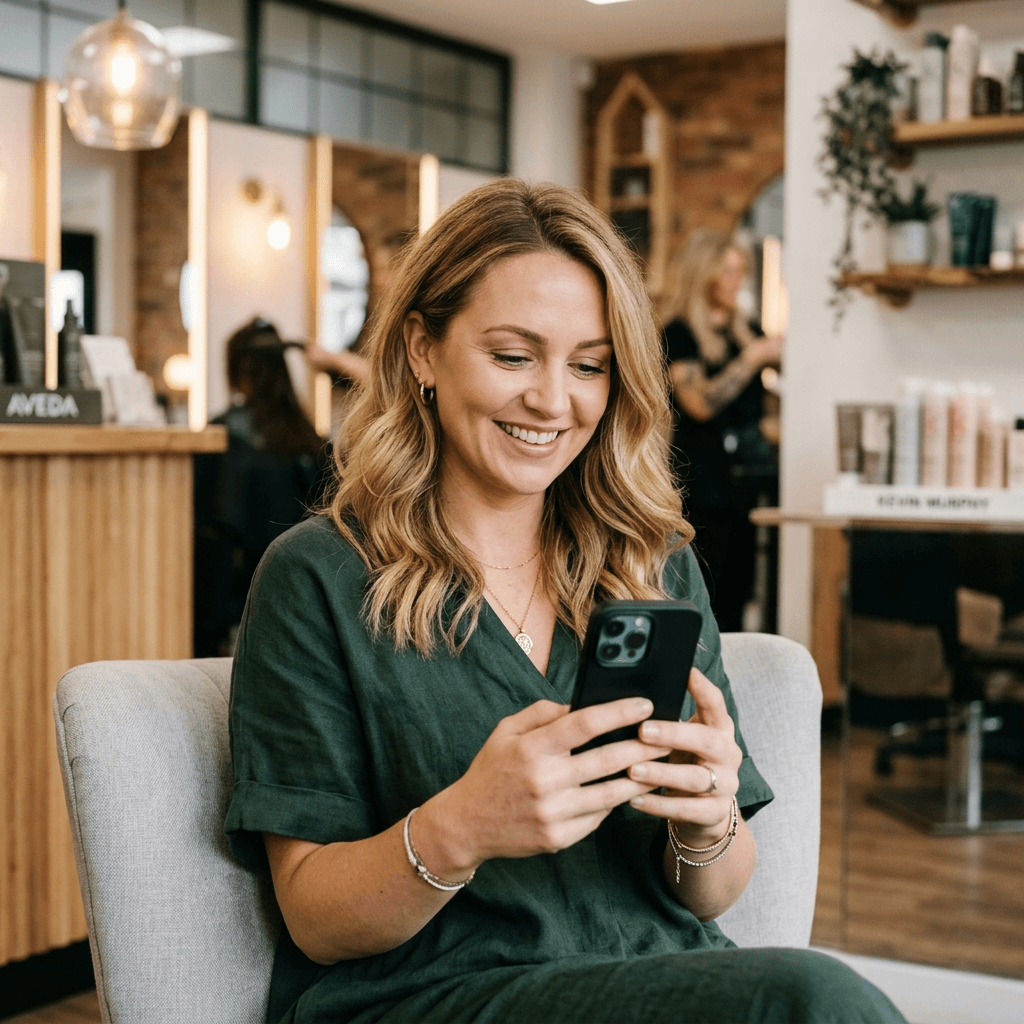
A business owner sharing her booking link from her phone
The diary

Your whole day on one screen

The diary you run the business from, with everything about each appointment on it. These are real screens from Slotivo’s demo businesses.

Slotivo diary in Week view for one person, showing a week of appointments with payment and questionnaire status

Slotivo diary in Week view for one person, showing a week of appointments with payment and questionnaire status
  • Your whole week at a glance, with your working hours marked.
  • Each appointment shows the client, the treatment and whether they have paid.
  • Tap a free slot to add a phone or walk-in booking.

Your DMs are not a booking system

Instagram is where new clients find you, but it was never built for bookings. Messages get buried, times get double-promised, and every enquiry takes several replies before it becomes an appointment.

01The problem

Five messages to book one appointment

“What have you got Thursday?” “What about later?” Each back-and-forth is time away from paying clients.

02The problem

Enquiries lost in requests

Messages from people who do not follow you can sit unseen in message requests.

03The problem

No deposit, no commitment

A DM booking costs the client nothing to forget about.

Protect your time

Protect your diary and get paid up front

The tools that stop no-shows and bring repeat business, whatever you book. Features marked “Paid plans” need Paid or Paid Plus. The rest work on every plan, Free included.

No-show protectionPaid plans

Card on file instead of a deposit

Clients save a card when they book and pay nothing up front. After a no-show or late cancellation you choose whether to charge the fee you set. Nothing is charged automatically.

See how it works
PassesPaid plans

Packs and memberships

Sell blocks of sessions or monthly memberships paid up front. Clients book with them and a cancellation gives the session back.

Learn more →
Self-service rescheduling

Clients reschedule themselves

Every reminder email has a reschedule link to genuinely free times.

Discount codesPaid plans

Discount codes

Percentage or fixed-amount codes, limited by service, uses, date or once per client.

Pay by QR codePaid plans

Pay by QR code

Take the balance at the end of an appointment. You show a QR code and they pay what’s left on their own phone, by Apple Pay, Google Pay or card. No card reader, and the booking marks itself paid.

Booking terms

Booking terms

Your terms and cancellation policy linked on the booking page.

What you get

One link that turns followers into bookings

Clients tap your link, see your real availability and book in under a minute.

A link that shows real availability

Your link opens a booking page showing only the times you are actually free, so nothing gets double-booked.

Works anywhere you can paste a link

Instagram bio, story link stickers, TikTok, Facebook, WhatsApp status and your Google Business Profile.

Deposits when they book

Ask for a deposit at booking, paid by card through Stripe, so new followers commit before they take a slot.

Automatic reminders

Clients get a confirmation and a reminder email, without you messaging anyone.

Your own name in the address

Your link is yourname.slotivo.co.uk, so it looks like your business, not a marketplace listing.

Clients rearrange themselves

Clients can move or cancel within your notice period instead of messaging you.

Live in your bio in three steps

1

Sign up free

Add your business name. Your link is created straight away.

2

Add services and hours

Enter what you offer, prices, timings and the days you work.

3

Paste it into your bio

Edit profile → Links → add your booking link. Reply to DMs with the link too.

Questions about booking links

Is it really free, or a trial?

It is free for as long as you are a team of one or two. There is no trial countdown and no card to enter at signup. You only pay if you add a third team member, and then it is one flat monthly fee with unlimited staff.

What does the free plan include?

Your own booking page, unlimited bookings, up to 5 services (add-ons count as services), automatic email reminders, intake forms, the Slotivo app to run your diary and for your clients. Stripe deposits, card on file for no-show fees, discount codes and passes come with the Paid plan.

Are there any fees?

Slotivo takes no commission. If you take deposits or payments online, Stripe charges its standard card-processing fee on those payments. Cash, bank transfer and card-terminal payments you record yourself cost nothing.

Can I add a Book button to Instagram?

Paste your Slotivo link into your bio links and story link stickers. Instagram’s built-in action buttons only support certain partner providers, and Slotivo is not one of them, so your bio link is the way to go.

Can I use the same link on Google?

Yes. Add it as the booking or website link on your Google Business Profile so people who find you on Maps can book too.

Create your booking page without a card.

Set up your services, staff, opening hours, deposits and optional modules after signup. You can publish when everything is ready.