Driving Instructor Booking Software for Lessons, Packages and Block Bookings
Let pupils book and pay for driving lessons online, protect your hours with deposits, and run recurring weekly slots across every instructor. Free forever for solo instructors.
Free forever for 1-2 staff. Flat NZ$10/month for larger teams. No marketplace commission.
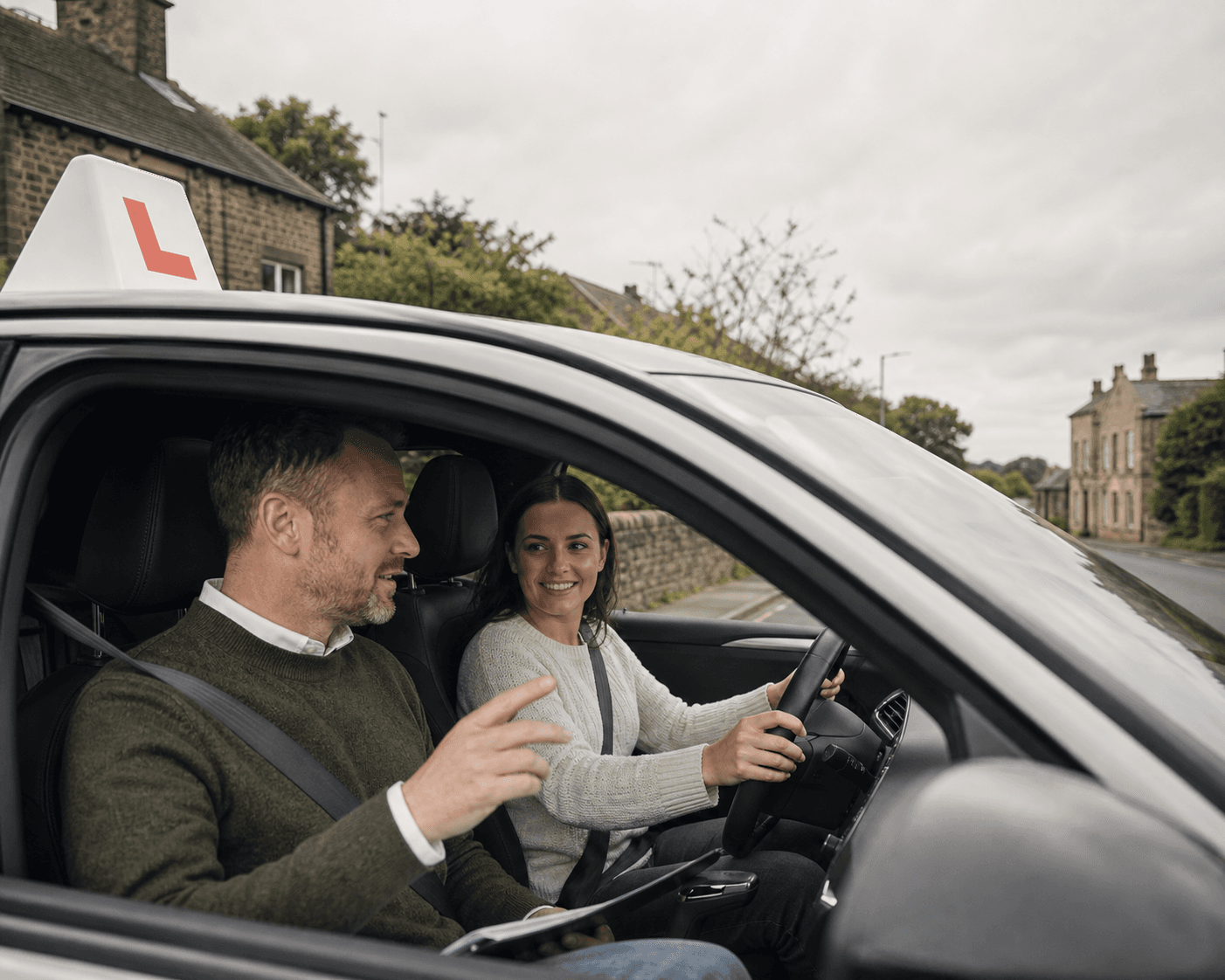
Try a working driving school
See how Wheelwise Driving School runs in Slotivo
Explore a real driving-school diary with lesson types, block bookings, mock tests, instructor schedules and example pupil bookings—then switch over to the customer page and book a lesson yourself.
Demo data resets automatically. Please do not enter real personal or payment information.
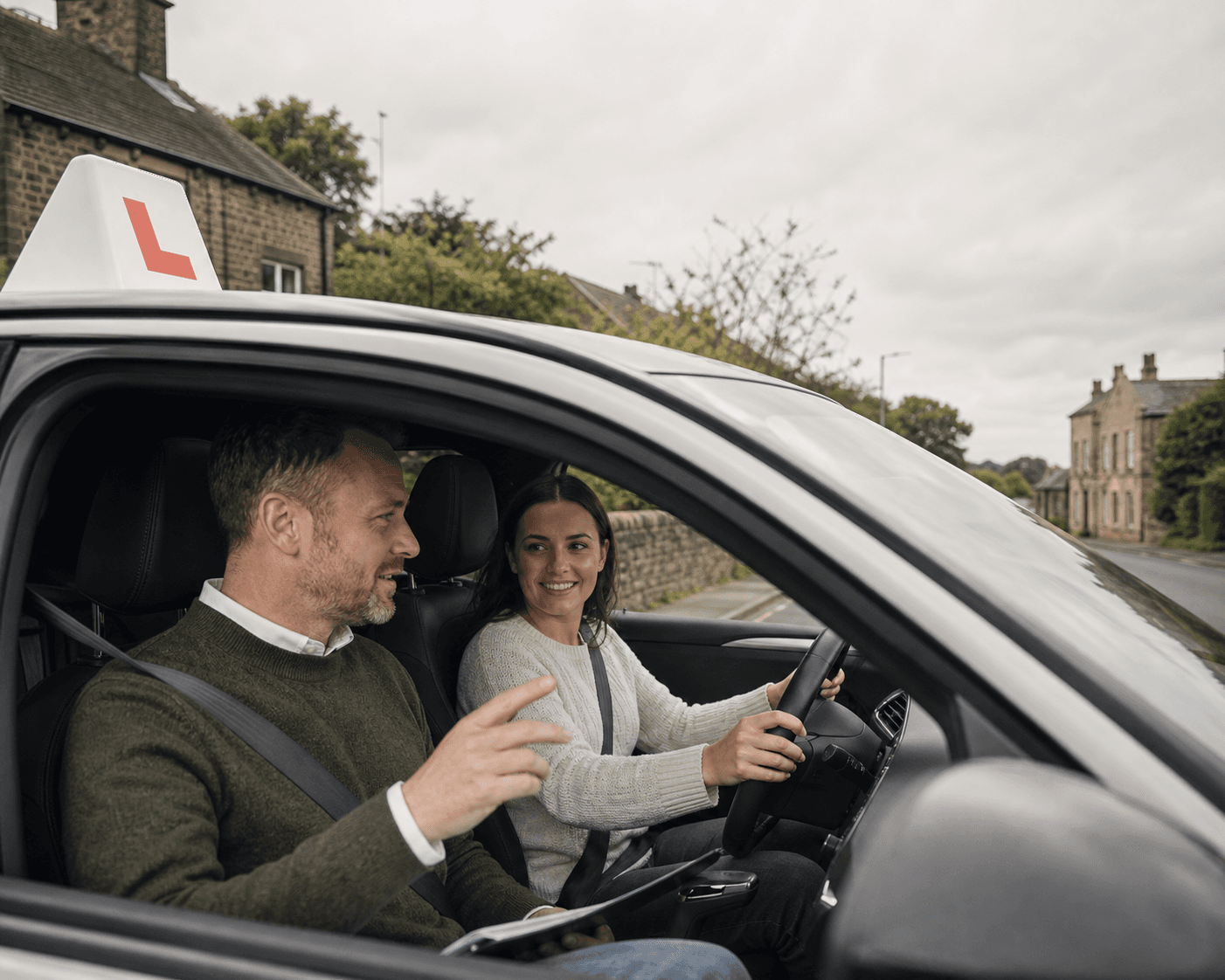
Built for driving instructors and driving schools
New booking received
Driving lesson · Tuesday, 4:00pm
Deposit paid and slot protected
Pupils book their next lesson in seconds. You keep every instructor’s diary full.
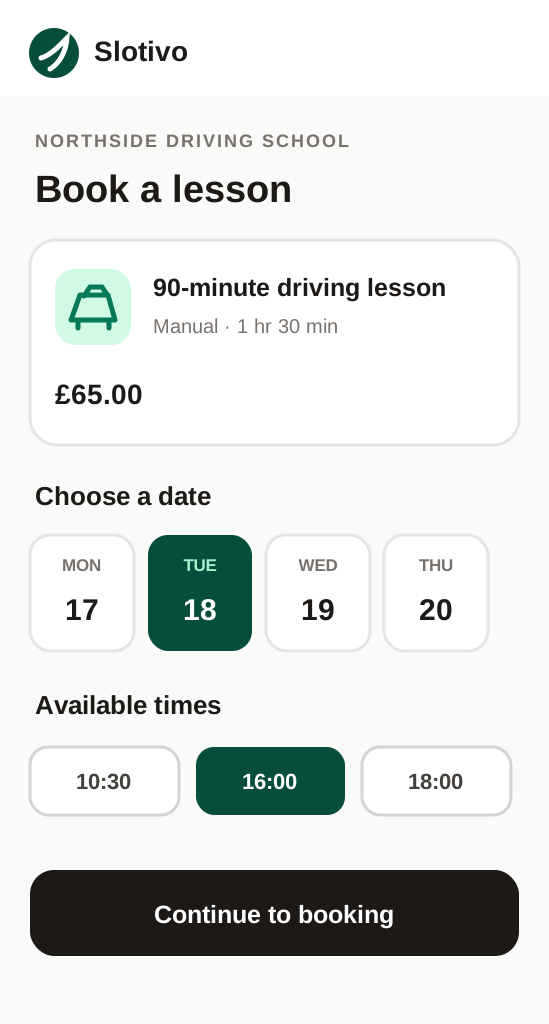
Pupils choose a lesson time and pay to secure it in Slotivo. You manage recurring weekly slots, lesson packages, block bookings and every instructor’s diary in Slotivo Pro.
Customers book without calling
Your branded booking page and customer app are available while you are busy.
Every booking appears instantly
Online, phone and walk-in appointments share one live diary.
Stay in control from your phone
See the day ahead and make changes between clients, wherever you are.
Free for 1–2 staff · No credit card · Web booking included
Run lessons, packages and your team from one diary
Whether you are a sole instructor or run several instructors under one school, the booking, payment and schedule live in one place.
Recurring weekly lessons
Set up a pupil in the same weekly slot so their next lesson books itself instead of a fresh conversation every time.
Deposits and pre-payment
Take a deposit or full payment via Stripe when a lesson is booked, so cancellations are less likely and less costly when they happen.
Every instructor gets their own diary
If you run a small school, each instructor manages their own hours, pupils and bookings from their phone.
Block out time that is yours
Close a full day, an afternoon or just an hour for lunch, your own appointment, vehicle maintenance or anything else. Pupils only see times you are genuinely free.
Pupil details before the lesson
Use an intake form to collect a provisional licence number, pickup address or theory test status before the first lesson.
Pupils reschedule themselves, within your rules
A pupil can move or cancel their own lesson online any time. Set a notice period, e.g. 24 or 48 hours, and a change requested inside that window is blocked automatically, so you are never chasing a last-minute text to shuffle tomorrow's slots.
Set up lesson booking in three steps
Add your lesson types
Create standard lessons, block bookings (e.g. a 10-hour package) and mock test sessions with their own price and duration.
Set your weekly availability
Add your working hours and any recurring pupil slots. Add other instructors if you run more than one.
Share your booking link
Put your Slotivo link on your website, Instagram bio or Google Business Profile so pupils can book without a phone call.
Useful extras for driving schools
Deposits and online payments
Take a deposit or full payment when a pupil books, helping protect paid teaching time from late cancellations.
Explore this feature →Pupil intake forms
Collect pickup details, provisional licence information and theory-test status before the first lesson.
Explore this feature →Waitlists for cancelled slots
Keep a list of pupils who want an earlier lesson and fill gaps when a slot becomes available.
Questions operators ask before switching
Can pupils book a block of lessons, like 10 hours?
Yes. You can set up a lesson package as its own bookable service with its own price and duration, alongside single lessons.
Can I take a deposit to protect against late cancellations?
Yes. Slotivo connects with Stripe so you can require a deposit or full payment when a lesson is booked, and set your own cancellation notice period.
Does this work for a solo instructor, not just a school?
Yes. Slotivo is free forever for 1-2 staff, so a solo instructor gets the same booking page, deposits and reminders as a multi-instructor school.
Can pupils rebook the same weekly time automatically?
Pupils can rebook their usual lesson time in a couple of taps, and you can set up recurring weekly slots so regular pupils keep their spot.
Can I block out lunch, appointments or days off?
Yes. Block out a single hour, an afternoon or a full day for lunch, personal appointments, vehicle maintenance, holidays or any other reason. Those times immediately stop appearing as bookable to pupils.
Can pupils reschedule a lesson without contacting me?
Yes. Pupils can reschedule or cancel their own lesson online, but only within the notice period you set, such as 24 or 48 hours. If they try to change it later than that, the system blocks the request automatically instead of leaving you to enforce it.
Create your booking page without a card.
Set up your services, staff, opening hours, deposits and optional modules after signup. You can publish when everything is ready.